 RemoveGreen
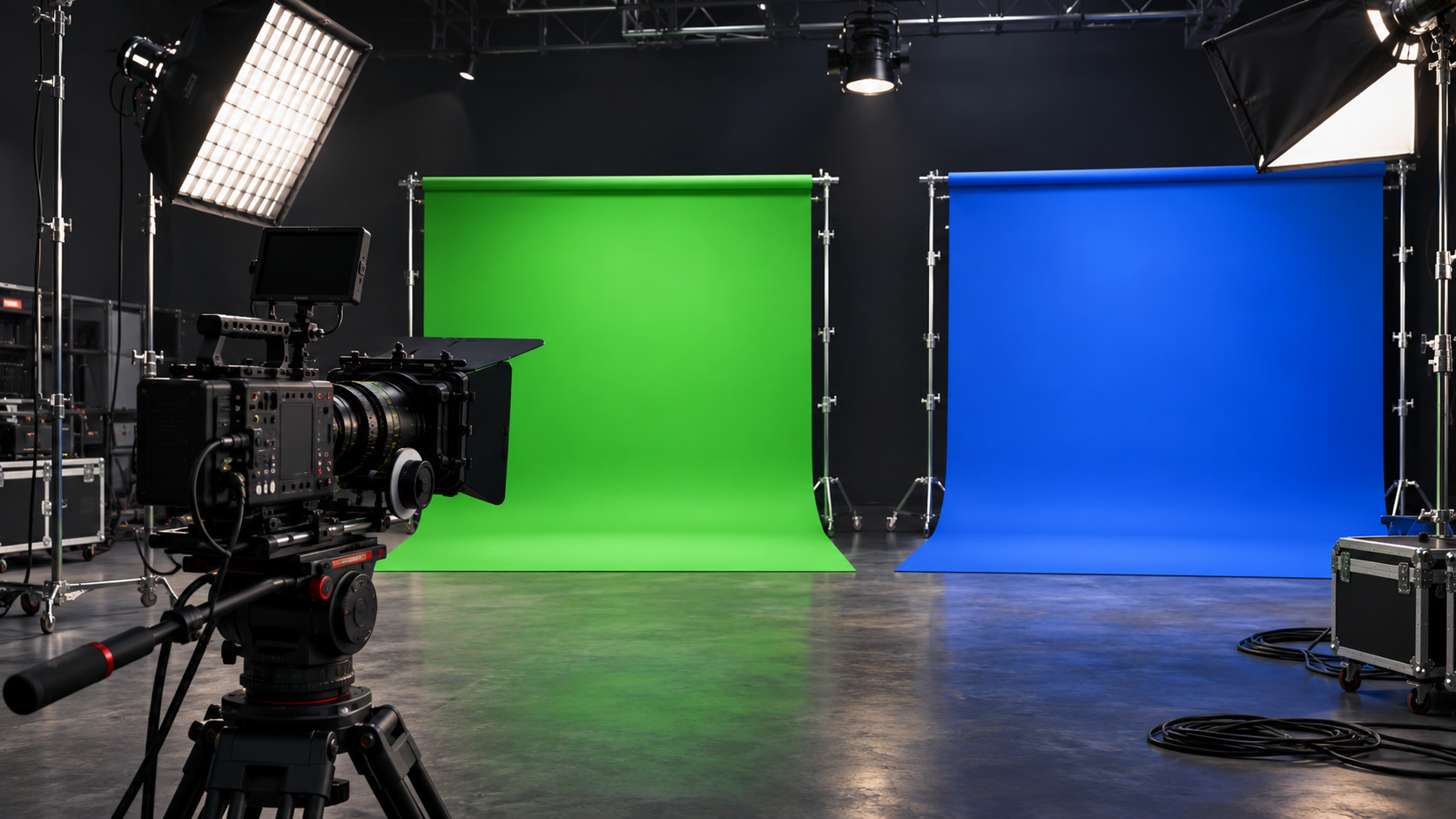
The right chroma key color is the one that creates the cleanest separation from the foreground in your actual shot. Green is common, but choosing it by habit can make the key worse when the subject wears green, carries matching props, or reflects green light. Start with the colors in the frame, then confirm the choice with a representative preview.
Choose separation over tradition
A keyer needs a background color that is distinct from the subject. Look beyond the screen itself: inspect clothing, hair, skin, props, translucent materials, and reflective surfaces. Any foreground area close to the selected color may be weakened along with the background.
Green often works well because cameras commonly capture strong detail in the green channel and many subjects contain less saturated green than background screens. Those are useful tendencies, not guarantees. A blue screen can be safer when green appears in the foreground or reflects onto it.
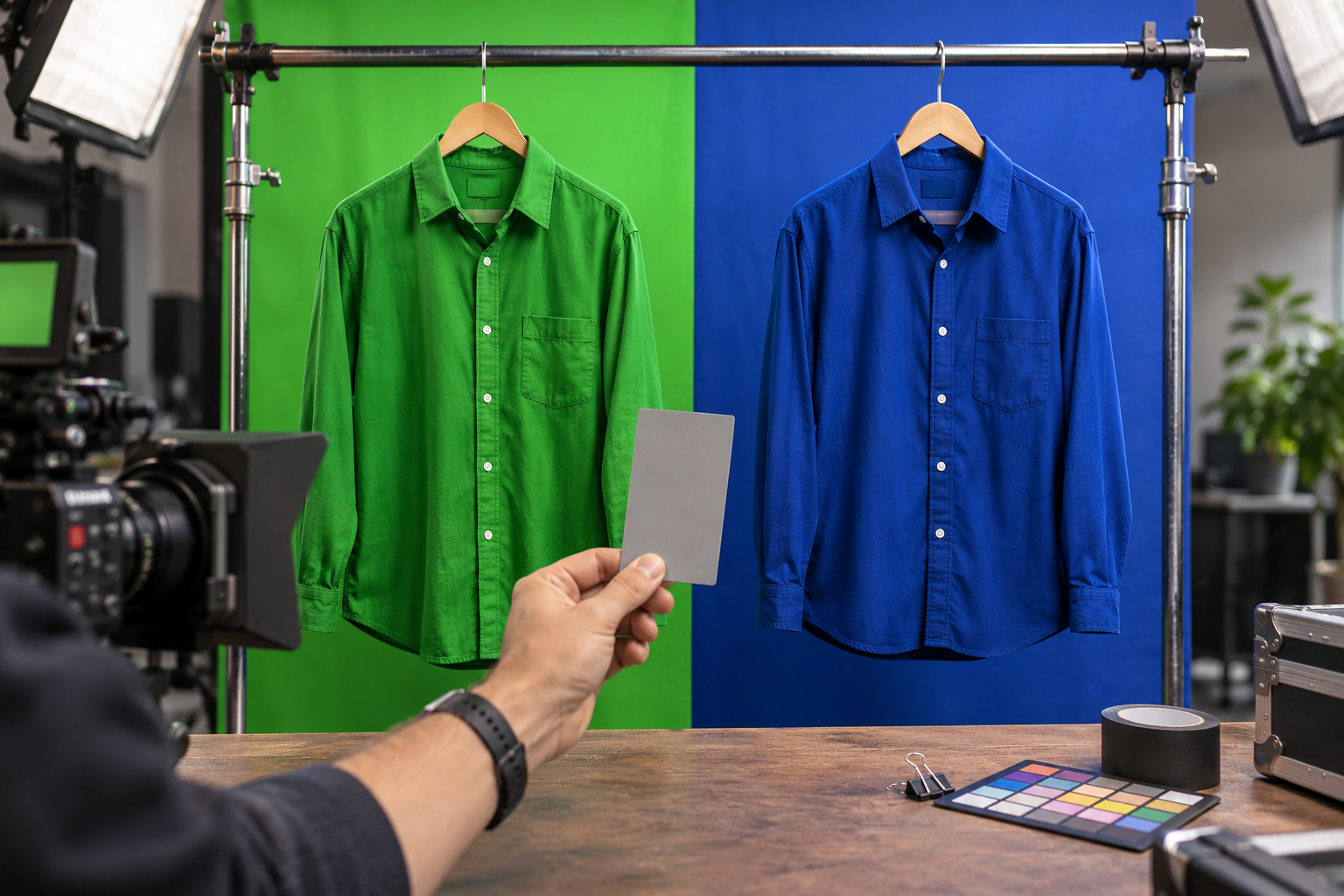
Audit the whole frame before you decide
Check a representative frame rather than a clean empty patch of screen. Include the subject’s face, hair, hands, clothing, props, and the brightest and darkest parts of the background. A color that looks ideal in one corner may perform poorly where shadows or hotspots change the screen.
Watch for reflected color as well as matching color. Green spill can tint hair, skin, glasses, or glossy objects even when those objects are not green. If the subject is close to the screen, distance and lighting may matter more than switching between two familiar key colors.
Use the RemoveGreen preview as a practical test
- Open the green-screen removal tool and load a representative clip.
- Start with Auto Detect or sample an evenly lit green area; Auto Detect is a fixed green target, not a frame-analyzing blue-screen detector.
- Inspect hair, shoulders, hands, wardrobe, and reflective objects on the checkerboard and contrasting backgrounds.
- Make one small Strength or Edge change at a time. Use Spill Removal only after the main cutout is stable.
- If the selected color removes foreground detail, improve the recording or choose a workflow that supports the color your shot actually needs.
When blue is the better production choice
Consider blue when green is present in the subject, wardrobe, set dressing, or reflections. Blue may also create a better separation for a shot where green spill would be especially visible. It still needs even lighting, enough subject distance, and a foreground that does not contain large areas of blue.
Do not assume that describing a blue-screen production choice means the current RemoveGreen tool will process blue automatically. The current standard workflow is green-specific, so verify tool support before relying on it for a blue-screen clip.
The decision rule to keep
Pick the color that is least present in the foreground and easiest to light consistently. Then test the difficult edges before committing to a full shoot or export. A carefully chosen color helps, but clean lighting, subject separation, and a representative preview determine whether the final key is usable.
Frequently asked questions
Should I always choose green for chroma key?
No. Choose the screen color that is easiest to separate from the subject, clothing, props, and reflected light. Green is a common default, but it is not a universal rule.
When is blue a better chroma key color?
Blue can be a better production choice when the subject contains green, wears green, or picks up strong green reflections. The choice still depends on even lighting and clean separation.
Does RemoveGreen automatically support blue-screen footage?
The current RemoveGreen browser workflow is green-specific. Its automatic detection resets a fixed green target, so do not treat Auto Detect as a blue-screen analyzer or selector.
What should I check before choosing a screen color?
Inspect the subject, wardrobe, props, hair, reflective surfaces, and lighting. Pick the color least present in the foreground, then test a representative frame for spill, shadows, and edge detail.