 RemoveGreen
REAL-TIME KEY
TRANSPARENT WEBM02 / TRANSPARENT EXPORT
Open tool →Transparent Video Export
Remove green backgrounds and export a transparent WebM for compositing and motion work.
Remove green backgrounds from videos in seconds. Remove green screen footage online, then export transparent video or replace the background with a color, image, or video.
Your supplied WebM result, synchronized with the original take.
Remove green backgrounds, replace scenes, and create ready-to-share videos — all in one place.
Place a real person into a dynamic seaside scene after you remove green, or choose a solid color, image, or video background in the editor.
Remove green backgrounds and export a transparent WebM for compositing and motion work.
Compare the standard Chroma Key result after you remove green with the real processed AI result on the same take.
Remove green backgrounds, refine the edges, and export your video in three simple steps.

Upload your green screen footage and start to remove green backgrounds directly in your browser.
Browser-first standard processing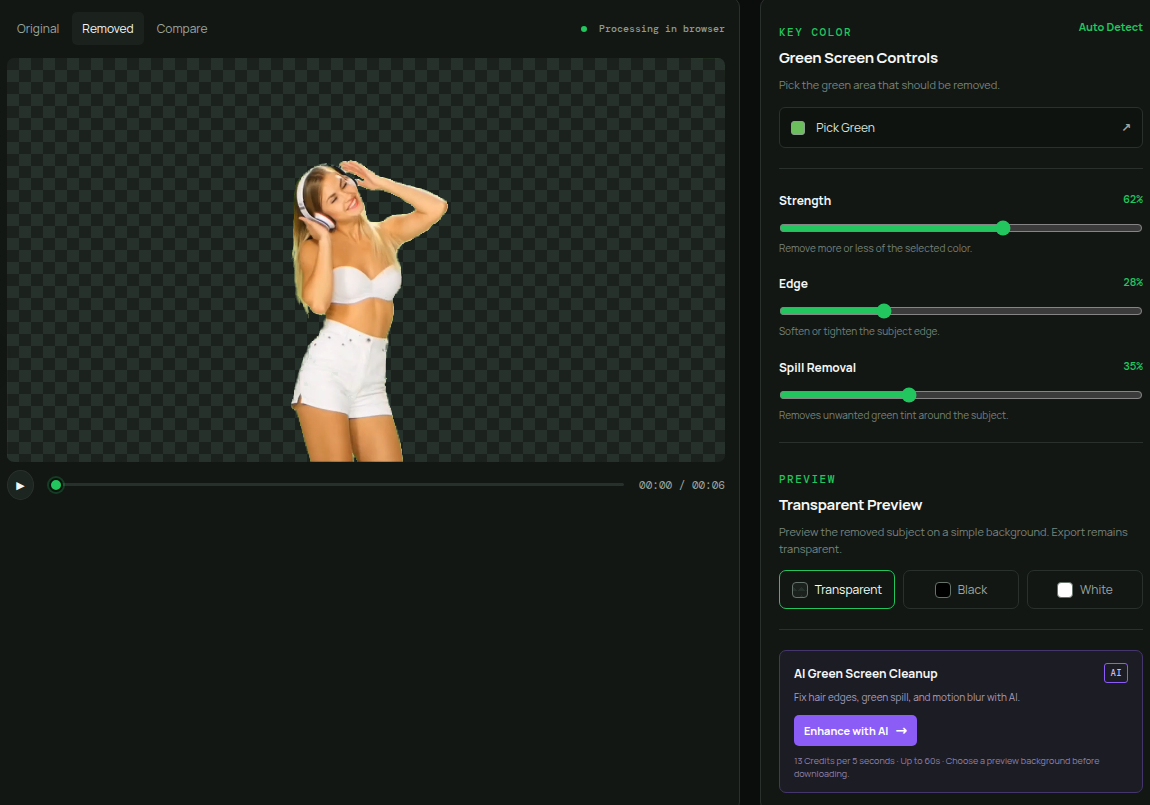
Adjust keying settings to remove green edges and preview your results. Use AI Enhance when you need extra help with difficult details.
AI Enhance is optionalExport a transparent WebM after you remove green, or create a video with a new background scene.
Free 720p · No watermarkCompare the original green screen footage with the final processed result across four common output scenarios.
See the same talking-head performance before and after the green screen is replaced.
Compare the original product footage with a finished promotional background treatment.
Replace a plain green screen with dynamic data visuals. Create engaging explainer videos without a dedicated studio.
Replace your green screen with futuristic environments and bring science fiction scenes to life.
One source clip → transparent video → finished scene
Original MP4
Transparent WebM
Composited MP4
Choose a video to remove green and replace its background.
Remove the green. Keep your subject. Create the video you need.
Export a transparent WebM with an alpha channel for compositing and motion work.
Keep the subject and choose a solid color, image, or video background in the editor.
Adjust the Chroma Key strength, edge, and spill controls. Use AI Enhance when difficult details need extra help.
Upload a video, remove the green screen, refine the result, and export the finished clip.
Quick answers to help you get started with RemoveGreen.
Standard removal is designed to run in your browser; AI processing is clearly identified before upload.
Upload a supported video, adjust the key, preview the result, and export when it looks right.
Use focused controls for green-screen removal and optional background replacement in one workflow.
Yes. Standard Chroma Key processing is available without a subscription. The current Free plan includes transparent WebM export up to 720p and 30 seconds, with no watermark.
Remove the green screen and bring your creative ideas to life.
Partner Links